Core Objects
- - Circle, Square, Rectangle, Line, Arrow, Dot, Polygon, RegularPolygon
- - Text, Tex, MathTex
- - ImageMobject, SVGMobject
- - Group and VGroup
Runnable examples for the currently supported feature set. Previews are lazy and only compile when you click Render preview, so opening this page does not trigger a flood of compile requests.
Stage several 3D primitives on axes and orbit the camera around them.
from manim import * class ThreeDGalleryScene(ThreeDScene): def construct(self): self.set_camera_orientation(phi=70 * DEGREES, theta=-40 * DEGREES, distance=10) axes = ThreeDAxes(x_length=6, y_length=4, z_length=4) cube = Cube().set_color(BLUE).shift(LEFT * 2) sphere = Sphere(radius=0.8).set_color(GREEN) cylinder = Cylinder(radius=0.45, height=1.8).set_color(YELLOW).shift(RIGHT * 2) label = Text("Cube Sphere Cylinder", font_size=22, color=WHITE).to_edge(DOWN) self.add_fixed_in_frame_mobjects(label) self.add(axes, cube, sphere, cylinder, label) self.play(FadeIn(cube), FadeIn(sphere), FadeIn(cylinder), run_time=1.0) self.begin_ambient_camera_rotation(rate=0.12) self.wait(2.4) self.stop_ambient_camera_rotation() self.wait(0.4) scene = ThreeDGalleryScene()scene.construct()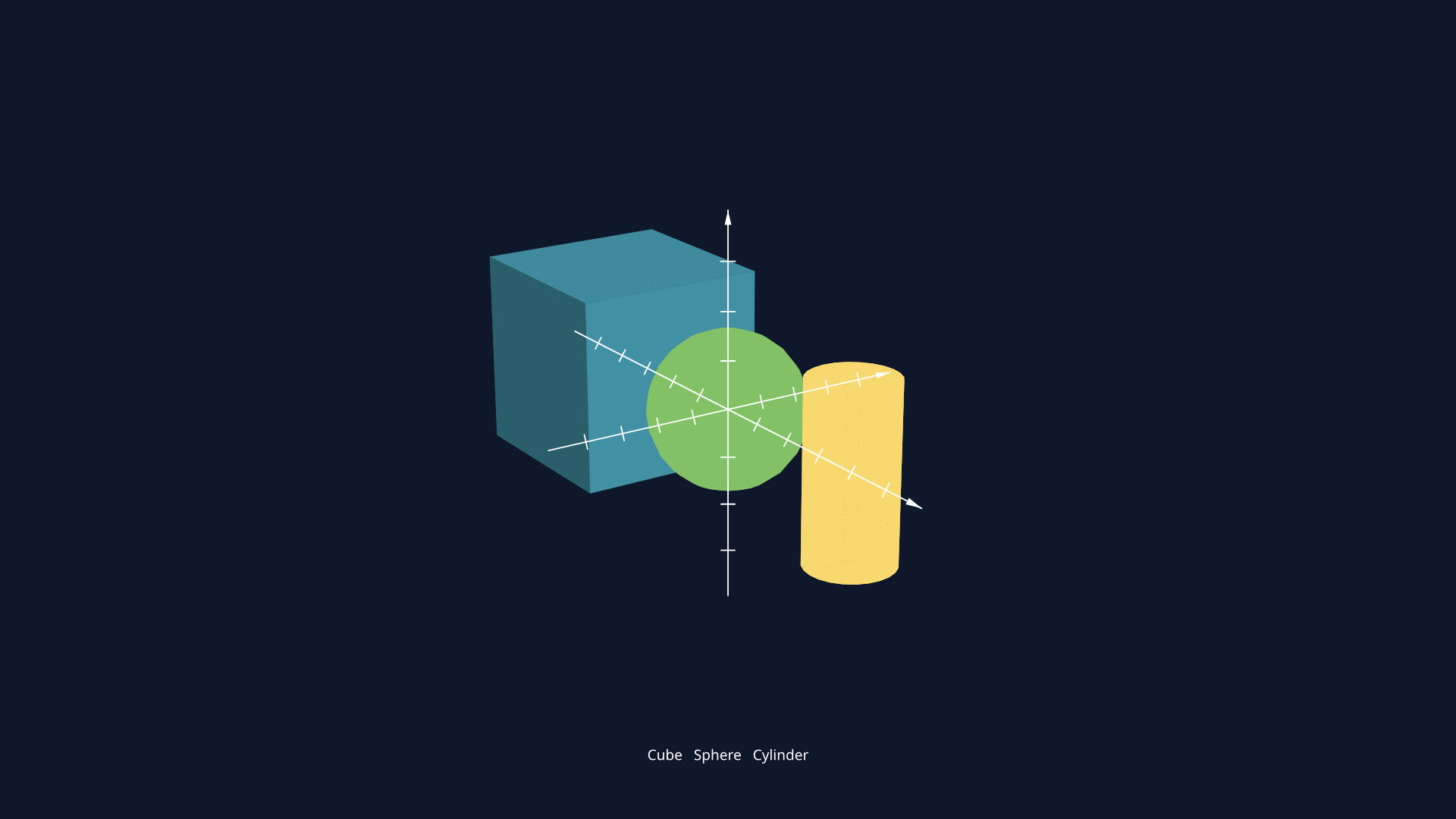
Plot a parametric surface and rotate the camera to read its shape.
from manim import *import numpy as np class SurfaceWaveScene(ThreeDScene): def construct(self): self.set_camera_orientation(phi=72 * DEGREES, theta=-35 * DEGREES, distance=8.5) axes = ThreeDAxes(x_length=5, y_length=5, z_length=3) surface = Surface( lambda u, v: [u, v, 0.35 * np.sin(2 * u) * np.cos(2 * v)], u_range=[-1.8, 1.8], v_range=[-1.8, 1.8], resolution=(16, 16), color=BLUE, ) mesh = SurfaceMesh(surface, color=WHITE, stroke_width=1) self.add(axes, surface, mesh) self.move_camera(phi=62 * DEGREES, theta=-15 * DEGREES, distance=7.8, run_time=1.8) self.wait(1.0) scene = SurfaceWaveScene()scene.construct()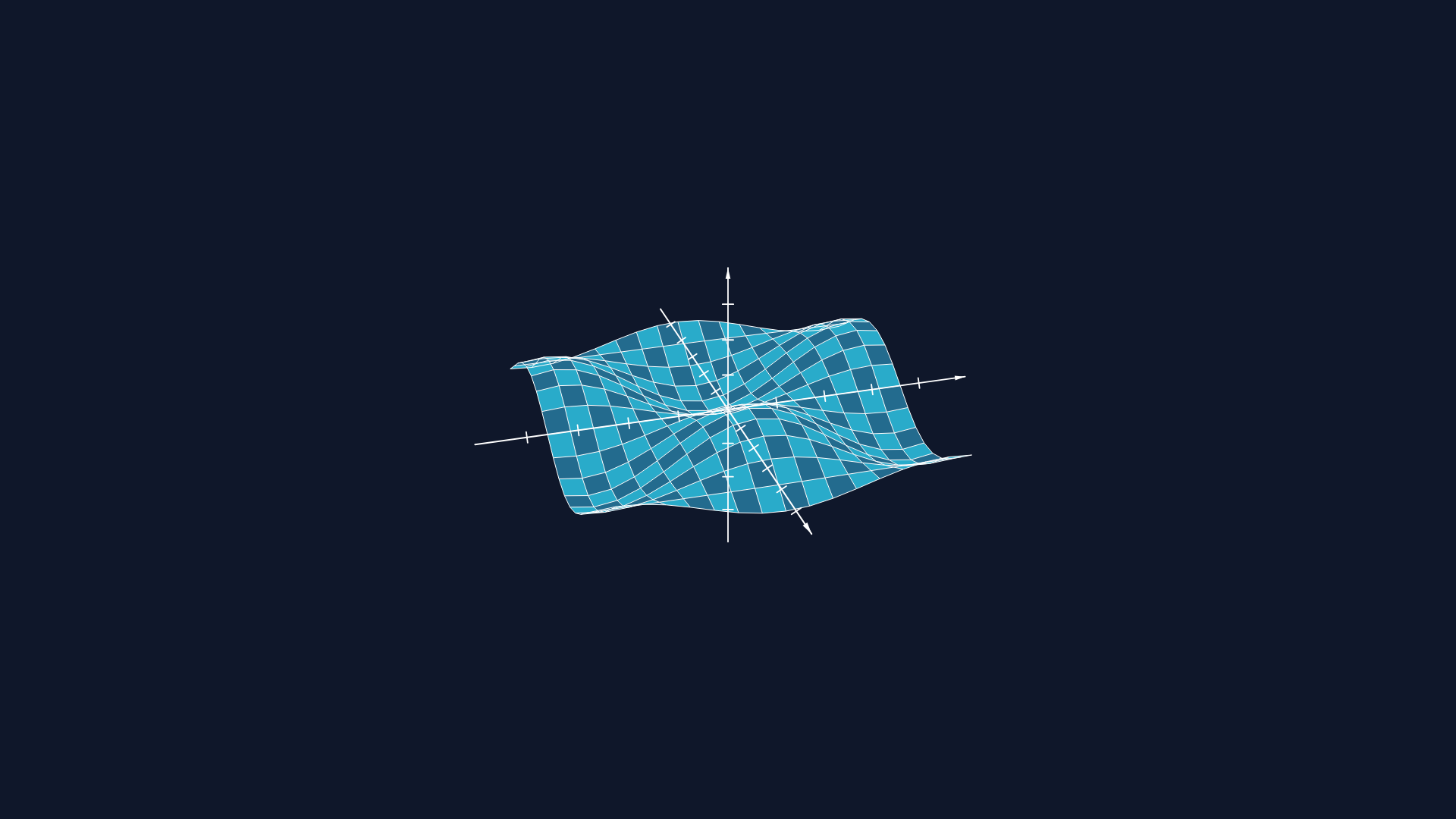
Alternate face colors across a sampled surface with set_fill_by_checkerboard.
from manim import *import numpy as np class CheckerboardSurfaceScene(ThreeDScene): def construct(self): self.set_camera_orientation(phi=72 * DEGREES, theta=-35 * DEGREES, distance=8.0) axes = ThreeDAxes(x_length=5, y_length=5, z_length=3) surface = Surface( lambda u, v: [u, v, 0.35 * np.sin(2 * u) * np.cos(2 * v)], u_range=[-1.8, 1.8], v_range=[-1.8, 1.8], resolution=(10, 10), ) surface.set_fill_by_checkerboard(BLUE_D, BLUE_E, opacity=0.95) self.add(axes, surface) self.move_camera(phi=60 * DEGREES, theta=-18 * DEGREES, distance=7.4, run_time=1.8) self.wait(0.6) scene = CheckerboardSurfaceScene()scene.construct()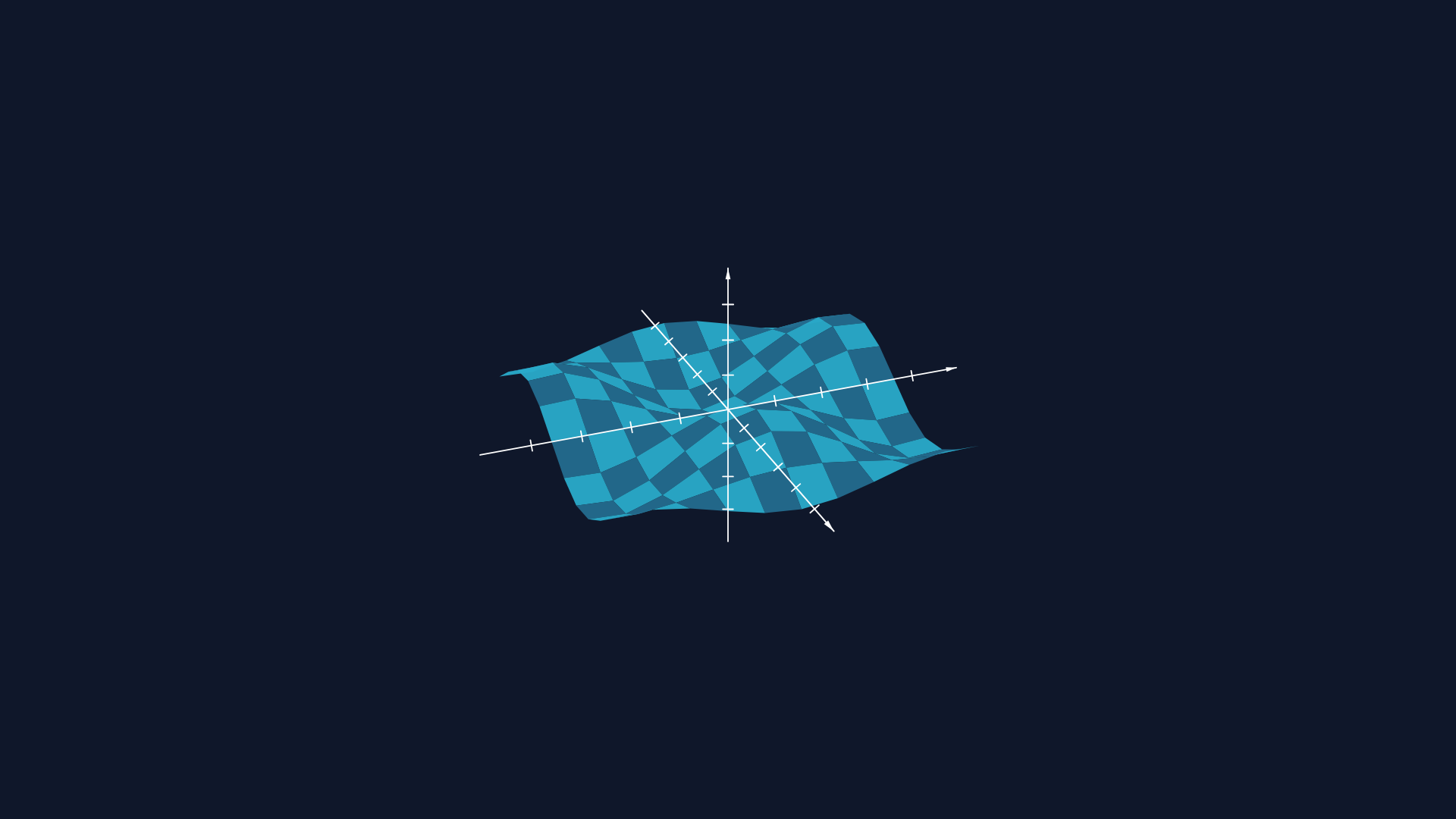
Wrap a small 3D point cloud with ConvexHull3D and orbit the camera around it.
from manim import * class ConvexHullStudyScene(ThreeDScene): def construct(self): self.set_camera_orientation(phi=68 * DEGREES, theta=-38 * DEGREES, distance=8.2) axes = ThreeDAxes(x_length=5, y_length=5, z_length=4) a = Dot3D(point=[-1.4, -0.8, -0.6], color=BLUE) b = Dot3D(point=[1.1, -1.0, 0.4], color=TEAL) c = Dot3D(point=[0.6, 1.3, -0.5], color=YELLOW) d = Dot3D(point=[-0.8, 0.9, 1.0], color=ORANGE) hull = ConvexHull3D(a, b, c, d, color=WHITE, fill_opacity=0.18) title = Text("ConvexHull3D", font_size=28, color=WHITE).to_edge(UP) self.add_fixed_in_frame_mobjects(title) self.add(axes, hull, a, b, c, d, title) self.begin_ambient_camera_rotation(rate=0.16) self.wait(2.2) self.stop_ambient_camera_rotation() self.wait(0.3) scene = ConvexHullStudyScene()scene.construct()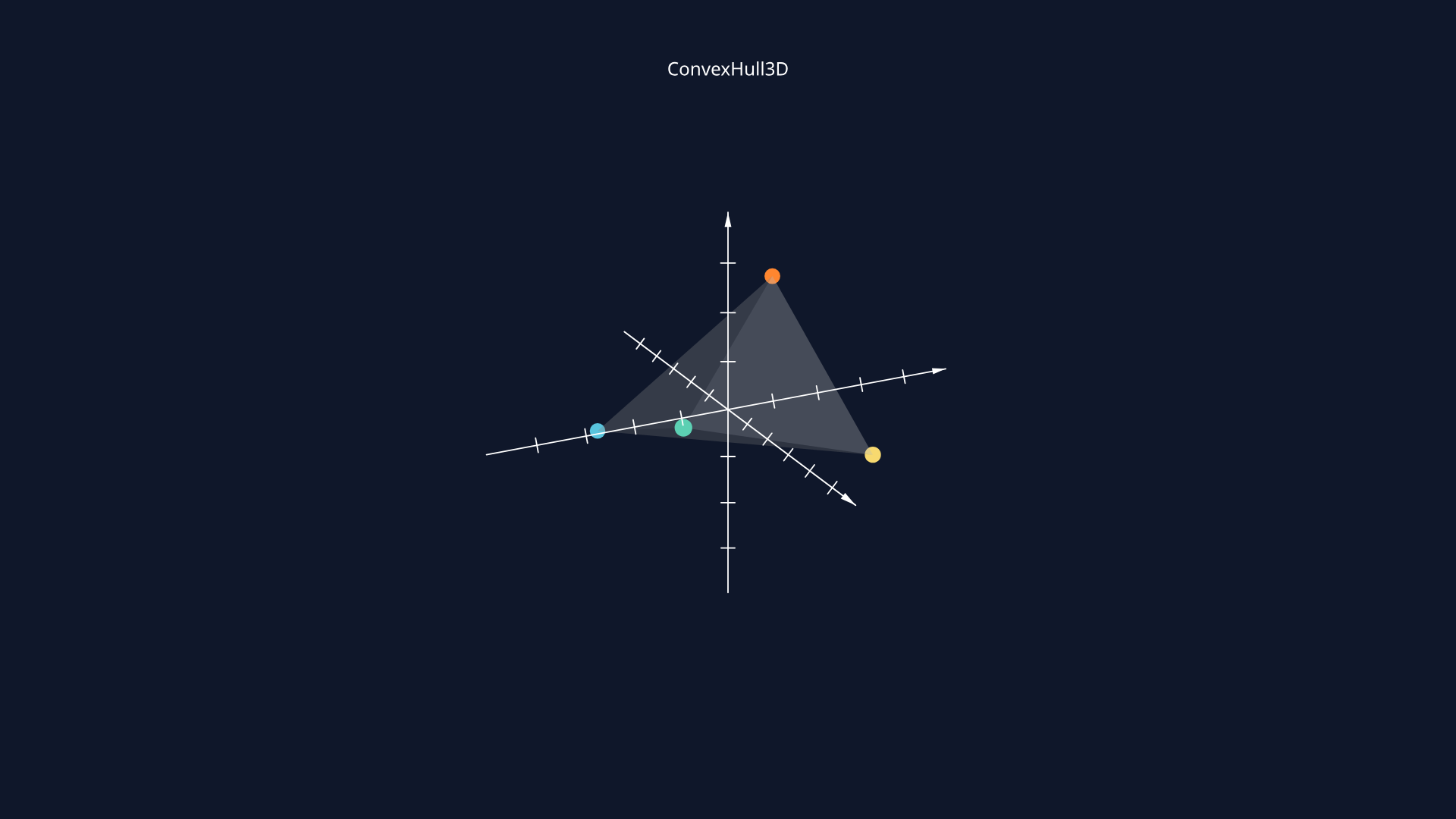
Drive the inset with its own 3D camera orientation so it shows a different perspective of the same scene.
from manim import * class ZoomedThreeDInset(ZoomedScene): def __init__(self, **kwargs): ZoomedScene.__init__( self, zoom_factor=0.45, zoomed_display_height=2.3, zoomed_display_width=3.8, image_frame_stroke_width=10, zoomed_camera_config={"default_frame_stroke_width": 3}, **kwargs ) def construct(self): self.set_camera_orientation(phi=70 * DEGREES, theta=-35 * DEGREES, distance=8.2) axes = ThreeDAxes(x_length=5, y_length=5, z_length=4) cube = Cube().set_color(BLUE).shift(LEFT * 1.5) sphere = Sphere(radius=0.8).set_color(GREEN).shift(RIGHT * 1.4 + UP * 0.3) caption = Text("3D inset uses a second camera", font_size=30, color=WHITE).to_edge(UP) self.add_fixed_in_frame_mobjects(caption) self.add(axes, cube, sphere, caption) frame = self.zoomed_camera.frame frame.move_to(RIGHT * 1.4 + UP * 0.5) frame.set_color(PURPLE) self.zoomed_display.display_frame.set_color(RED) self.zoomed_display.to_corner(UR, buff=0.45) self.zoomed_camera.set_camera_orientation( phi=52 * DEGREES, theta=18 * DEGREES, distance=7.2, focal_distance=10, ) self.activate_zooming() self.play(self.get_zoomed_display_pop_out_animation(), run_time=0.8) self.play( frame.animate.shift(LEFT * 2.2 + DOWN * 0.7).set(theta=-8 * DEGREES), run_time=1.4, rate_func=smooth, ) self.wait(0.4) scene = ZoomedThreeDInset()scene.construct()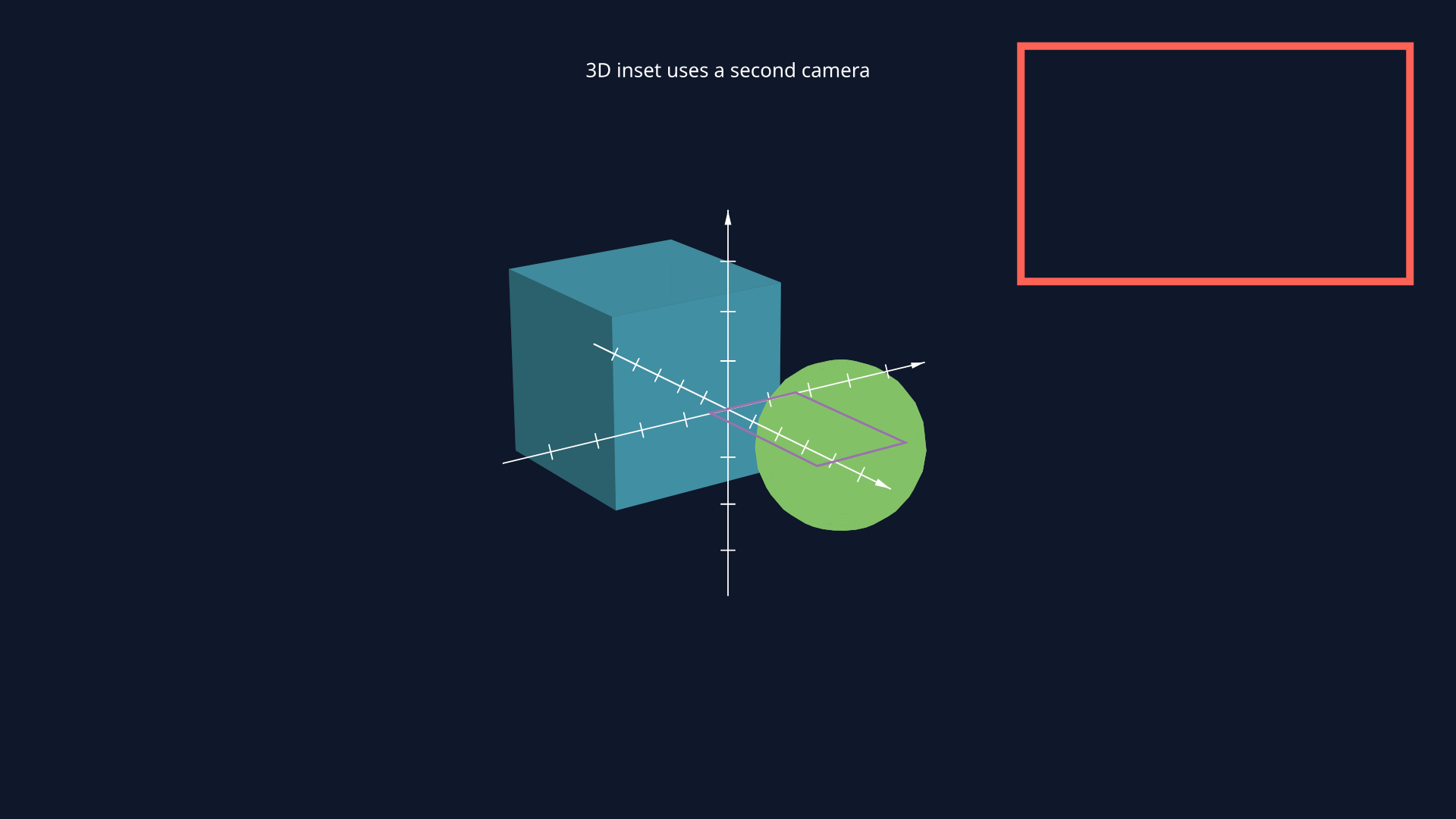
Update one surface in place from a ValueTracker-driven wave instead of rebuilding hundreds of separate tiles.
from manim import *import numpy as np class InPlaceSurfaceUpdateScene(ThreeDScene): def construct(self): self.set_camera_orientation(phi=72 * DEGREES, theta=-35 * DEGREES, distance=8.2) phase = ValueTracker(0) surface = Surface( lambda u, v: [u, v, 0.3 * np.sin(2.4 * np.sqrt(u * u + v * v))], u_range=[-2.1, 2.1], v_range=[-2.1, 2.1], resolution=(16, 16), fill_opacity=0.9, stroke_opacity=0, ) surface.set_fill_by_value( BLUE_D, GREEN_D, YELLOW_D, RED_D, axis="z", min_value=-0.3, max_value=0.3, ) def update_surface(mob, dt): mob.update_surface( lambda u, v: [ u, v, 0.3 * np.sin(2.4 * np.sqrt(u * u + v * v) - phase.get_value()), ] ) surface.add_updater(update_surface) self.add(surface) self.play(phase.animate.set_value(4.8), run_time=2.6, rate_func=linear) self.wait(0.3) scene = InPlaceSurfaceUpdateScene()scene.construct()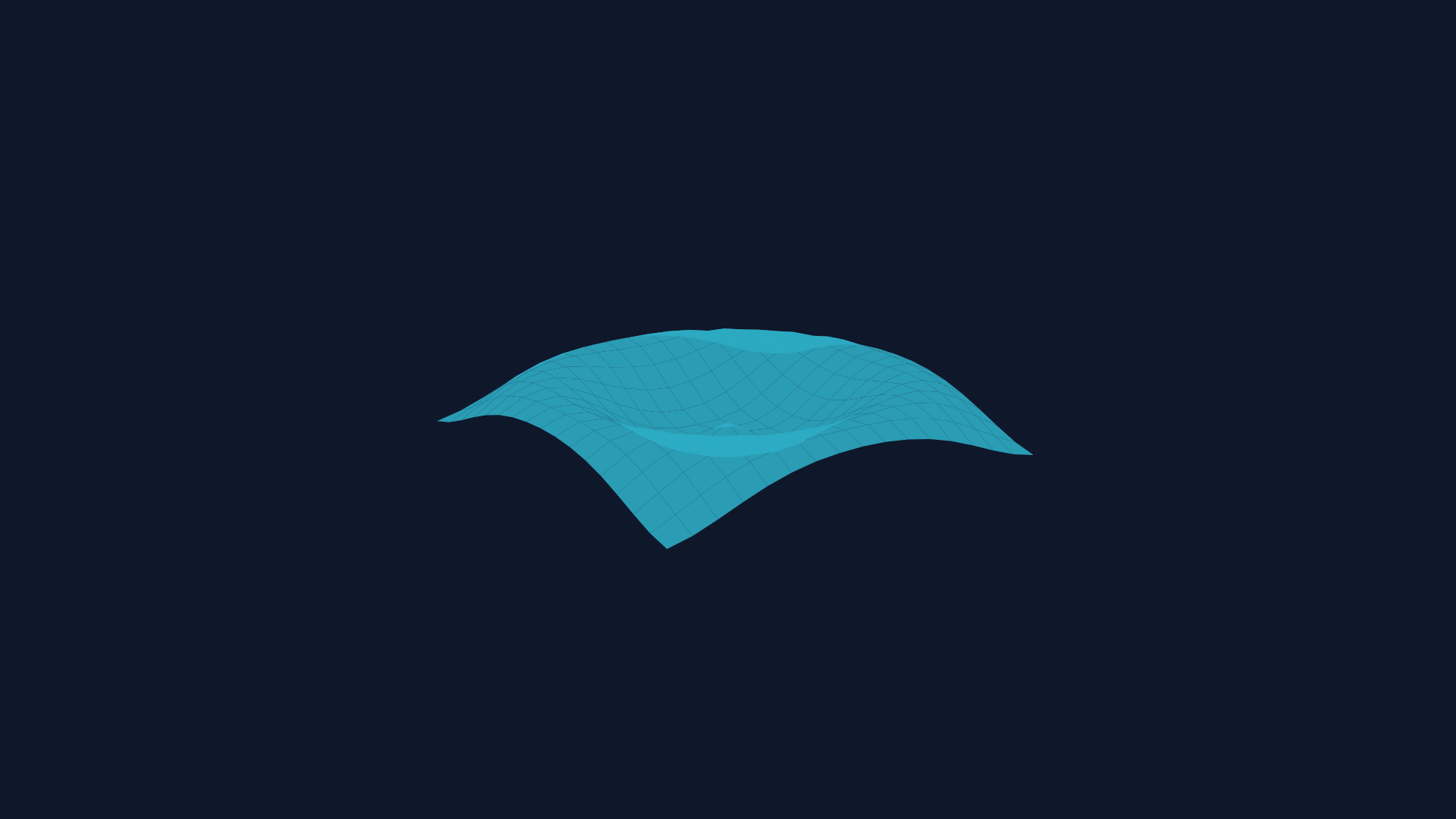
Pair a filled surface with a SurfaceMesh overlay and refresh both from the latest animated geometry.
from manim import *import numpy as np class SurfaceMeshUpdateScene(ThreeDScene): def construct(self): self.set_camera_orientation(phi=74 * DEGREES, theta=-30 * DEGREES, distance=8.0) phase = ValueTracker(0) surface = Surface( lambda u, v: [u, v, 0.28 * np.sin(2 * u) * np.cos(2 * v)], u_range=[-2, 2], v_range=[-2, 2], resolution=(14, 14), fill_opacity=0.88, stroke_opacity=0, ) surface.set_fill_by_value( BLUE_D, TEAL_C, GREEN_D, YELLOW_D, axis="z", min_value=-0.28, max_value=0.28, ) mesh = SurfaceMesh(surface, color=GREY_B, stroke_width=0.75) def update_surface(mob, dt): mob.update_surface( lambda u, v: [u, v, 0.28 * np.sin(2 * u + phase.get_value()) * np.cos(2 * v - 0.5 * phase.get_value())] ) def update_mesh(mob, dt): mob.update_from_surface(surface) surface.add_updater(update_surface) mesh.add_updater(update_mesh) self.add(surface, mesh) self.play(phase.animate.set_value(PI), run_time=2.4, rate_func=linear) self.wait(0.3) scene = SurfaceMeshUpdateScene()scene.construct()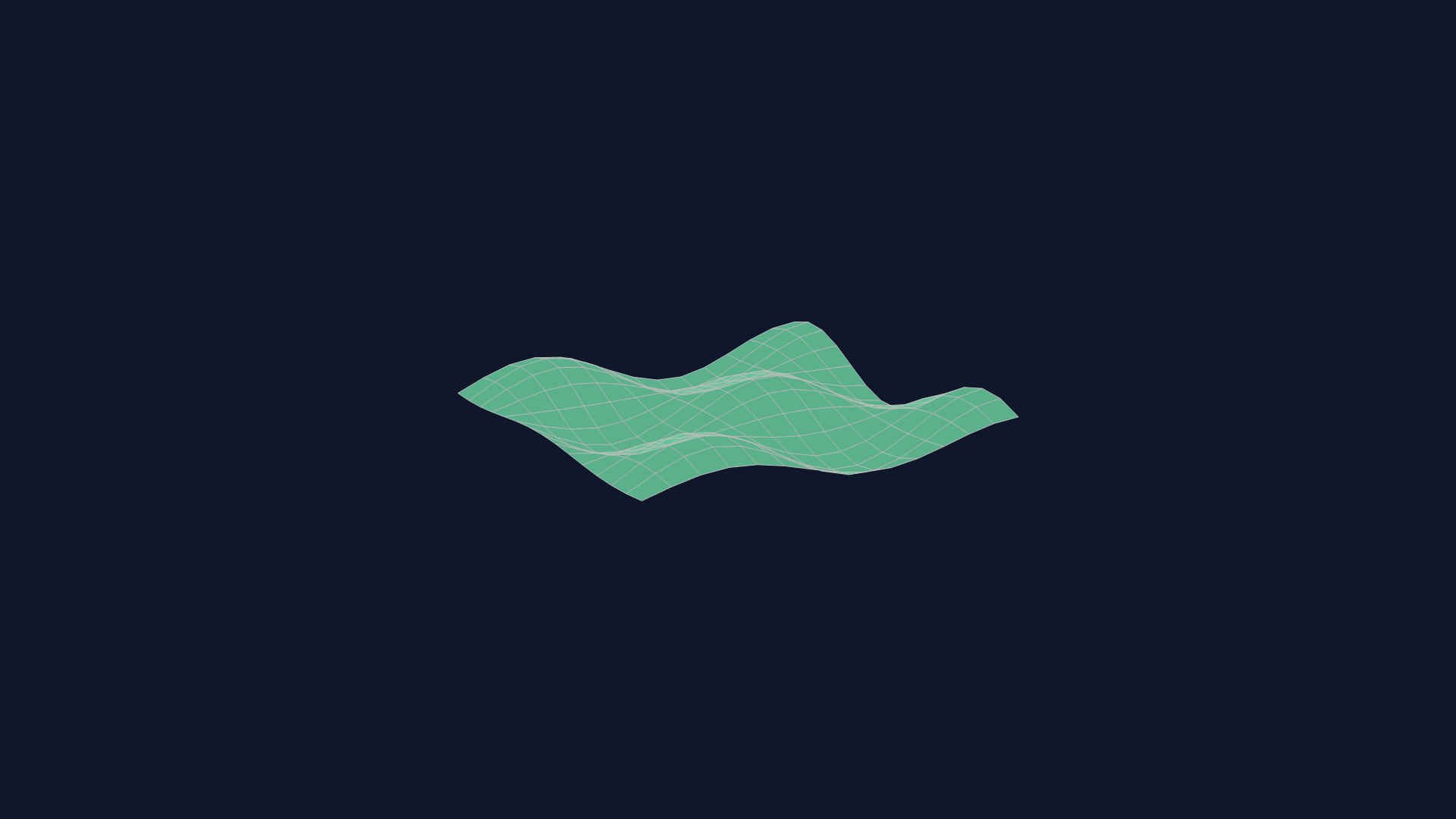
Move a grouped 2x2x2 cube, rotate it on two 3D axes, then scale and reposition the whole assembly.
from manim import * class RubikCube2x2MotionExample(ThreeDScene): def construct(self): self.set_camera_orientation(phi=70 * DEGREES, theta=-36 * DEGREES, distance=8.2) cubie_size = 0.92 spacing = 0.98 face_offset = cubie_size / 2 + 0.002 def sticker(color, offset, axis): face = Square(side_length=cubie_size * 0.86) face.set_fill(color, opacity=1) face.set_stroke(WHITE, width=0.6, opacity=0.9) if axis == "x": face.rotate(PI / 2, axis=UP) elif axis == "y": face.rotate(PI / 2, axis=RIGHT) face.shift(offset) return face def make_cubie(coord): x, y, z = coord core = Cube(side_length=cubie_size) core.set_fill("#111827", opacity=1) core.set_stroke("#111827", width=0, opacity=1) cubie = VGroup(core) cubie.add(sticker("#EF4444" if x > 0 else "#FB923C", (RIGHT if x > 0 else LEFT) * face_offset, "x")) cubie.add(sticker("#F8FAFC" if y > 0 else "#FACC15", (UP if y > 0 else DOWN) * face_offset, "y")) cubie.add(sticker("#22C55E" if z > 0 else "#3B82F6", (OUT if z > 0 else IN) * face_offset, "z")) cubie.move_to([x * spacing / 2, y * spacing / 2, z * spacing / 2]) return cubie cube = VGroup() for x in (-1, 1): for y in (-1, 1): for z in (-1, 1): cube.add(make_cubie((x, y, z))) title = Text("Grouped 3D transforms", font_size=28, color=WHITE).to_edge(UP) self.add_fixed_in_frame_mobjects(title) self.add(title, cube) self.play(cube.animate.shift(LEFT * 1.3 + UP * 0.35), run_time=0.55) self.play( Rotate(cube, angle=PI / 4, axis=UP, about_point=cube.get_center()), Rotate(cube, angle=-PI / 7, axis=RIGHT, about_point=cube.get_center()), run_time=0.8, ) self.play(cube.animate.scale(0.82).move_to(RIGHT * 1.6 + DOWN * 0.2), run_time=0.75) self.wait(0.25) scene = RubikCube2x2MotionExample()scene.construct()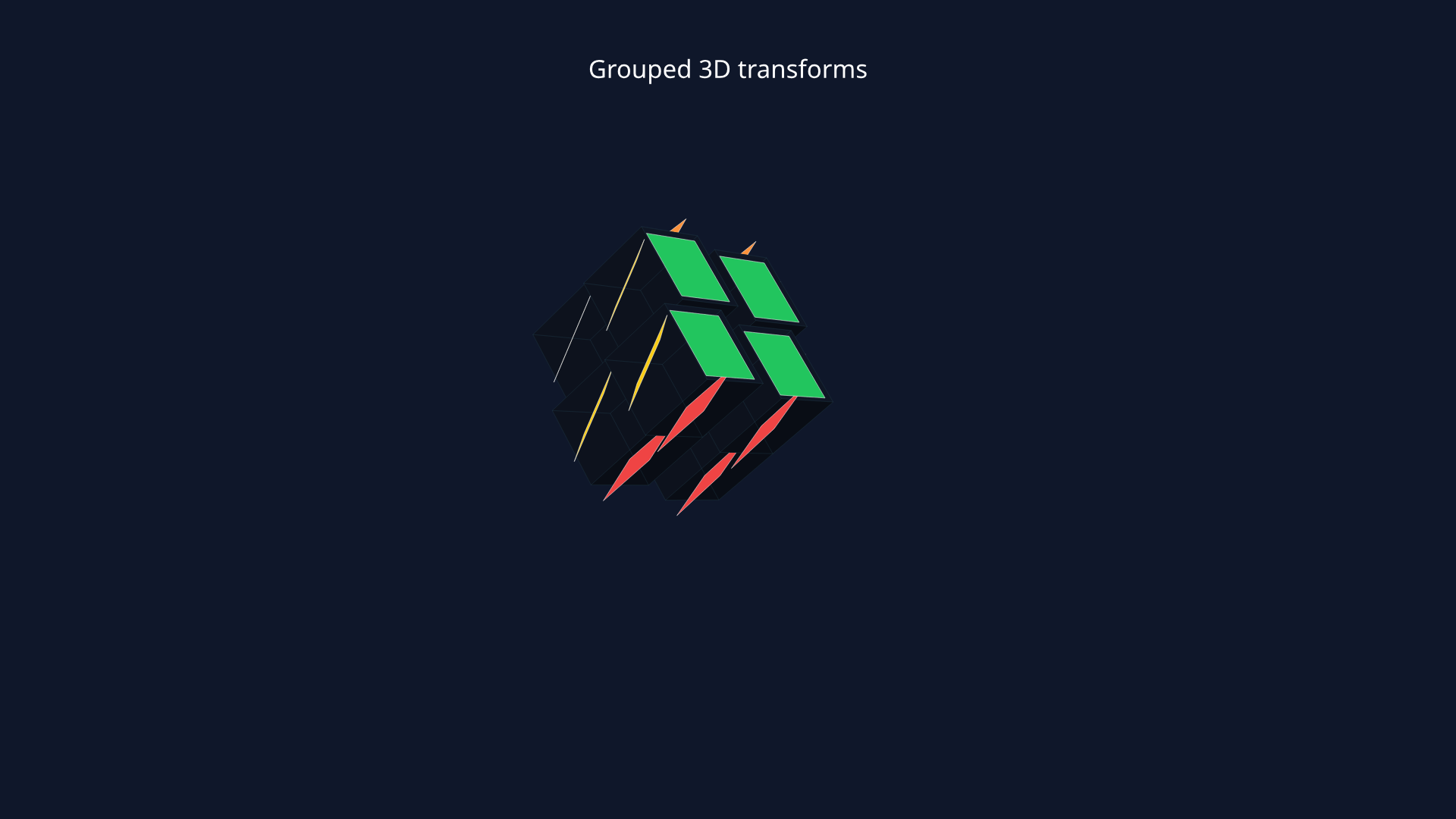
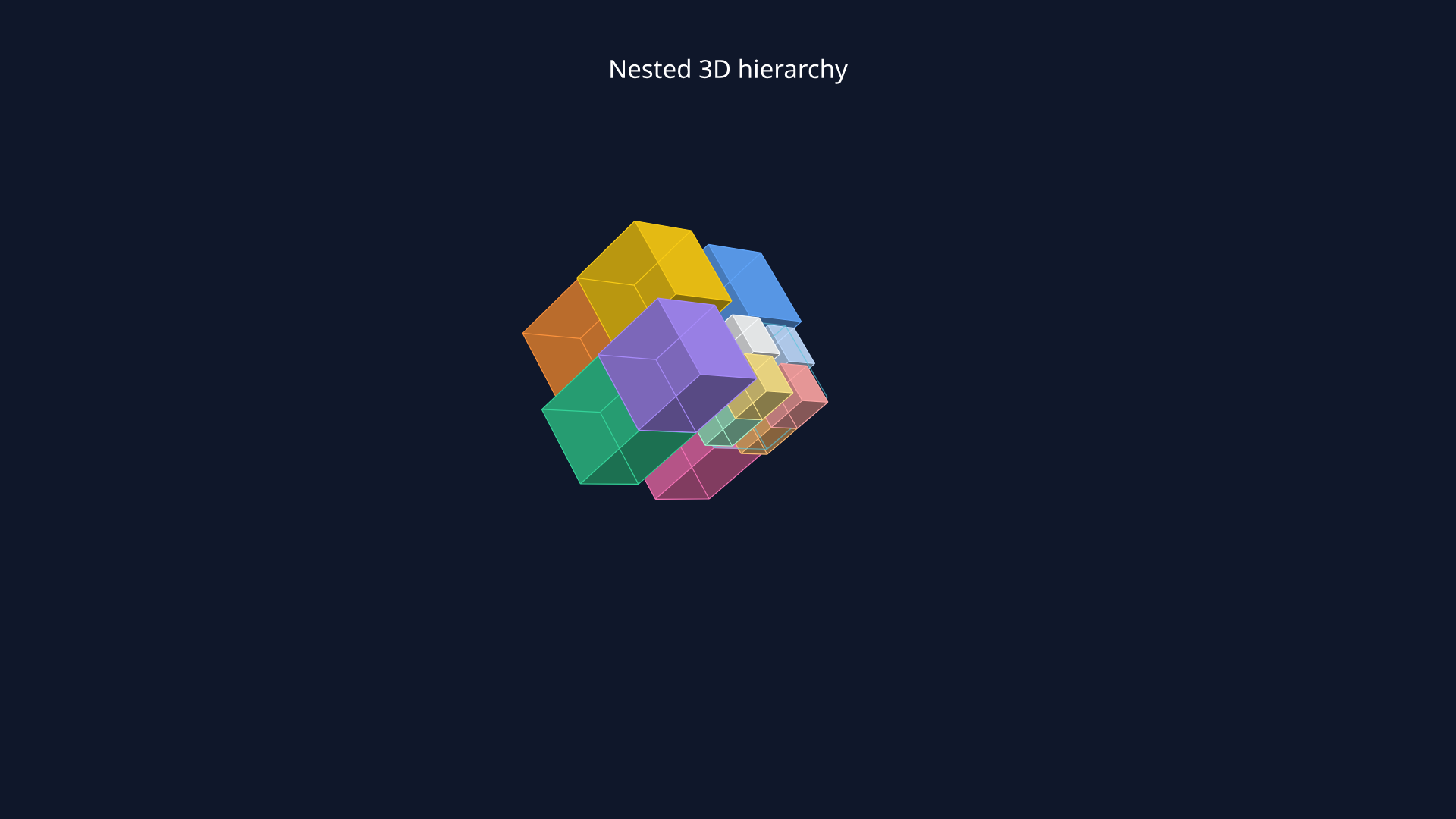
Replace one cubie with a half-size 2x2x2 sub-cube and animate the whole parent group to test nested 3D transforms.
from manim import * def solid_cube(side_length, color): cube = Cube(side_length=side_length) cube.set_color(color) cube.set_fill(color, opacity=1) cube.set_stroke("#0F172A", width=1.2, opacity=1) return cube class NestedRubikHierarchyScene(ThreeDScene): def construct(self): self.set_camera_orientation(phi=70 * DEGREES, theta=-36 * DEGREES, distance=8.2) cubie_size = 0.92 spacing = 0.98 nested_size = cubie_size * 0.5 nested_spacing = spacing * 0.5 def make_outer_cubie(coord): palette = { (-1, -1, -1): "#FB923C", (-1, -1, 1): "#FACC15", (-1, 1, -1): "#F87171", (-1, 1, 1): "#60A5FA", (1, -1, -1): "#34D399", (1, -1, 1): "#A78BFA", (1, 1, -1): "#F472B6", } x, y, z = coord cubie = solid_cube(cubie_size, palette[coord]) cubie.move_to([x * spacing / 2, y * spacing / 2, z * spacing / 2]) return cubie def make_nested_cluster(center): nested = VGroup() mini_palette = ["#E2E8F0", "#F8FAFC", "#BAE6FD", "#BFDBFE", "#A7F3D0", "#FDE68A", "#FDBA74", "#FCA5A5"] index = 0 for x in (-1, 1): for y in (-1, 1): for z in (-1, 1): mini = solid_cube(nested_size, mini_palette[index]) mini.move_to([x * nested_spacing / 2, y * nested_spacing / 2, z * nested_spacing / 2]) nested.add(mini) index += 1 shell = Cube(side_length=cubie_size) shell.set_fill("#000000", opacity=0) shell.set_stroke("#E2E8F0", width=1.4, opacity=0.65) nested.add(shell) nested.move_to(center) return nested cube = VGroup() for x in (-1, 1): for y in (-1, 1): for z in (-1, 1): center = [x * spacing / 2, y * spacing / 2, z * spacing / 2] cube.add(make_nested_cluster(center) if (x, y, z) == (1, 1, 1) else make_outer_cubie((x, y, z))) title = Text("Nested 3D hierarchy", font_size=28, color=WHITE).to_edge(UP) self.add_fixed_in_frame_mobjects(title) self.add(title, cube) self.play(cube.animate.shift(LEFT * 1.25 + UP * 0.3), run_time=0.55) self.play( Rotate(cube, angle=PI / 4, axis=UP, about_point=cube.get_center()), Rotate(cube, angle=-PI / 7, axis=RIGHT, about_point=cube.get_center()), run_time=0.8, ) self.play(cube.animate.scale(0.84).move_to(RIGHT * 1.55 + DOWN * 0.2), run_time=0.75) self.wait(0.25) scene = NestedRubikHierarchyScene()scene.construct()