Core Objects
- - Circle, Square, Rectangle, Line, Arrow, Dot, Polygon, RegularPolygon
- - Text, Tex, MathTex
- - ImageMobject, SVGMobject
- - Group and VGroup
Runnable examples for the currently supported feature set. Previews are lazy and only compile when you click Render preview, so opening this page does not trigger a flood of compile requests.
Pan and zoom the frame.
scene = Scene(fps=30, width=640, height=360, backgroundColor=BLACK)grid = NumberPlane()scene.add(grid)scene.move_camera(position=LEFT * 2, zoom=1.3, run_time=1.5, rate_func=smooth)scene.wait(0.5)scene.move_camera(position=RIGHT * 2, zoom=0.9, run_time=1.5, rate_func=smooth)scene.wait(0.5)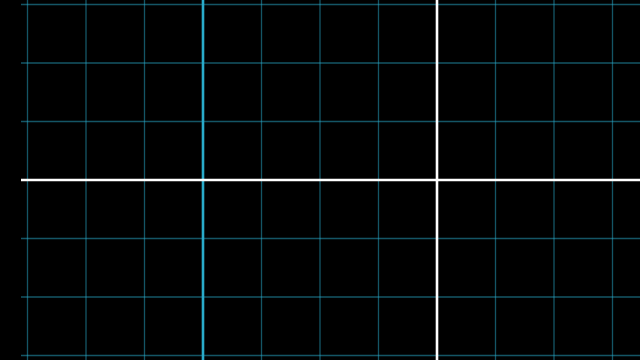
Use the 2D camera frame animate proxy to pan and zoom around a layout.
scene = Scene(fps=30, width=960, height=540, backgroundColor="#020617") plane = NumberPlane().set_stroke(color=GREY_D, width=1)left = Circle(color=BLUE).scale(1.2).shift(LEFT * 3)right = Square(color=YELLOW).scale(1.1).shift(RIGHT * 3)label = Text("Frame animate", font_size=36, color=WHITE).to_edge(UP) scene.add(plane, left, right, label)scene.play(scene.camera.frame.animate.move_to(LEFT * 3).set(zoom=1.5), run_time=1.4)scene.play(scene.camera.frame.animate.move_to(RIGHT * 3).set(zoom=1.3), run_time=1.4)scene.play(scene.camera.frame.animate.move_to(ORIGIN).set(zoom=1.0), run_time=1.2)scene.wait(0.4)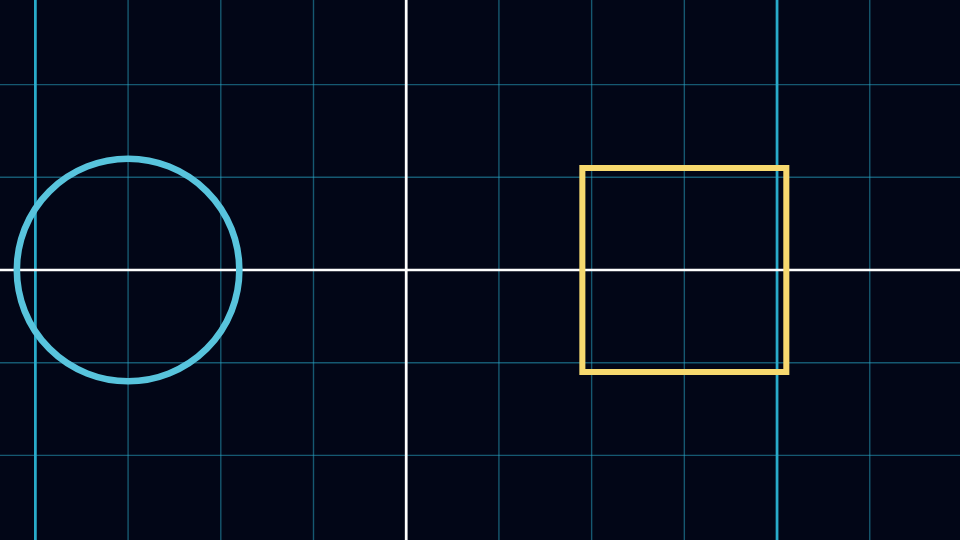
Attach a live zoomed inset to a highlighted region in a 2D image scene.
from manim import *import numpy as np class ZoomedPixelsScene(ZoomedScene): def __init__(self, **kwargs): ZoomedScene.__init__( self, zoom_factor=0.35, zoomed_display_height=2.1, zoomed_display_width=3.8, image_frame_stroke_width=10, zoomed_camera_config={"default_frame_stroke_width": 3}, **kwargs ) def construct(self): pixels = np.uint8([ [0, 40, 80, 120, 160, 200], [30, 80, 130, 180, 220, 255], [255, 210, 170, 120, 70, 20], [60, 110, 160, 210, 240, 255], ]) image = ImageMobject(pixels) image.height = 5.8 marker = Dot(LEFT * 2.1 + UP * 0.9, color=YELLOW) caption = Text("2D zoomed inset", font_size=30, color=WHITE).to_edge(UP) frame = self.zoomed_camera.frame frame.move_to(marker) frame.set_color(PURPLE) self.zoomed_display.display_frame.set_color(RED) self.zoomed_display.to_corner(UR, buff=0.45) self.add(image, marker, caption) self.activate_zooming() self.play(self.get_zoomed_display_pop_out_animation(), run_time=0.8) self.play( marker.animate.shift(RIGHT * 2.0 + DOWN * 1.1), frame.animate.shift(RIGHT * 2.0 + DOWN * 1.1), run_time=1.6, rate_func=smooth, ) self.wait(0.4) scene = ZoomedPixelsScene()scene.construct()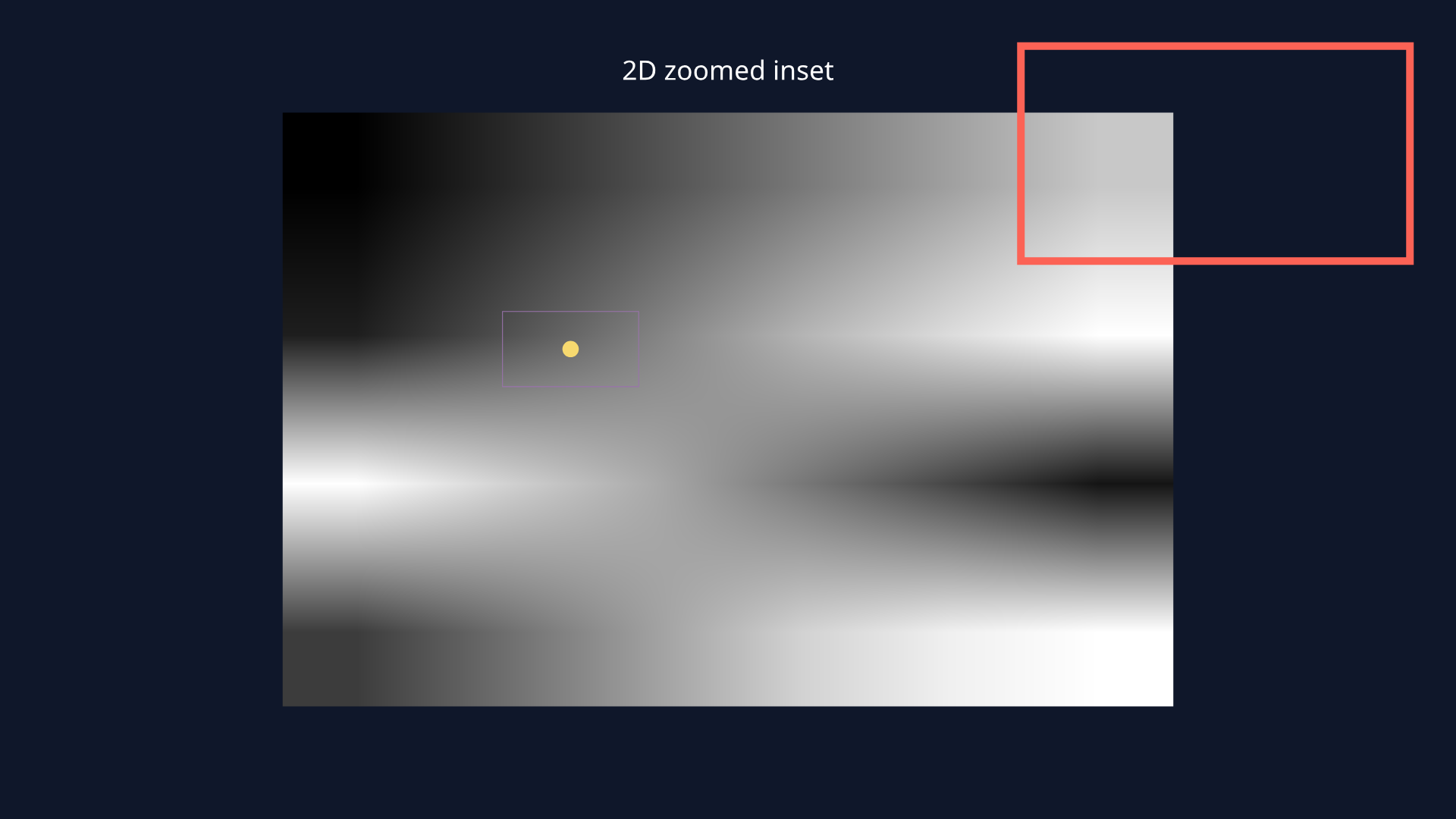
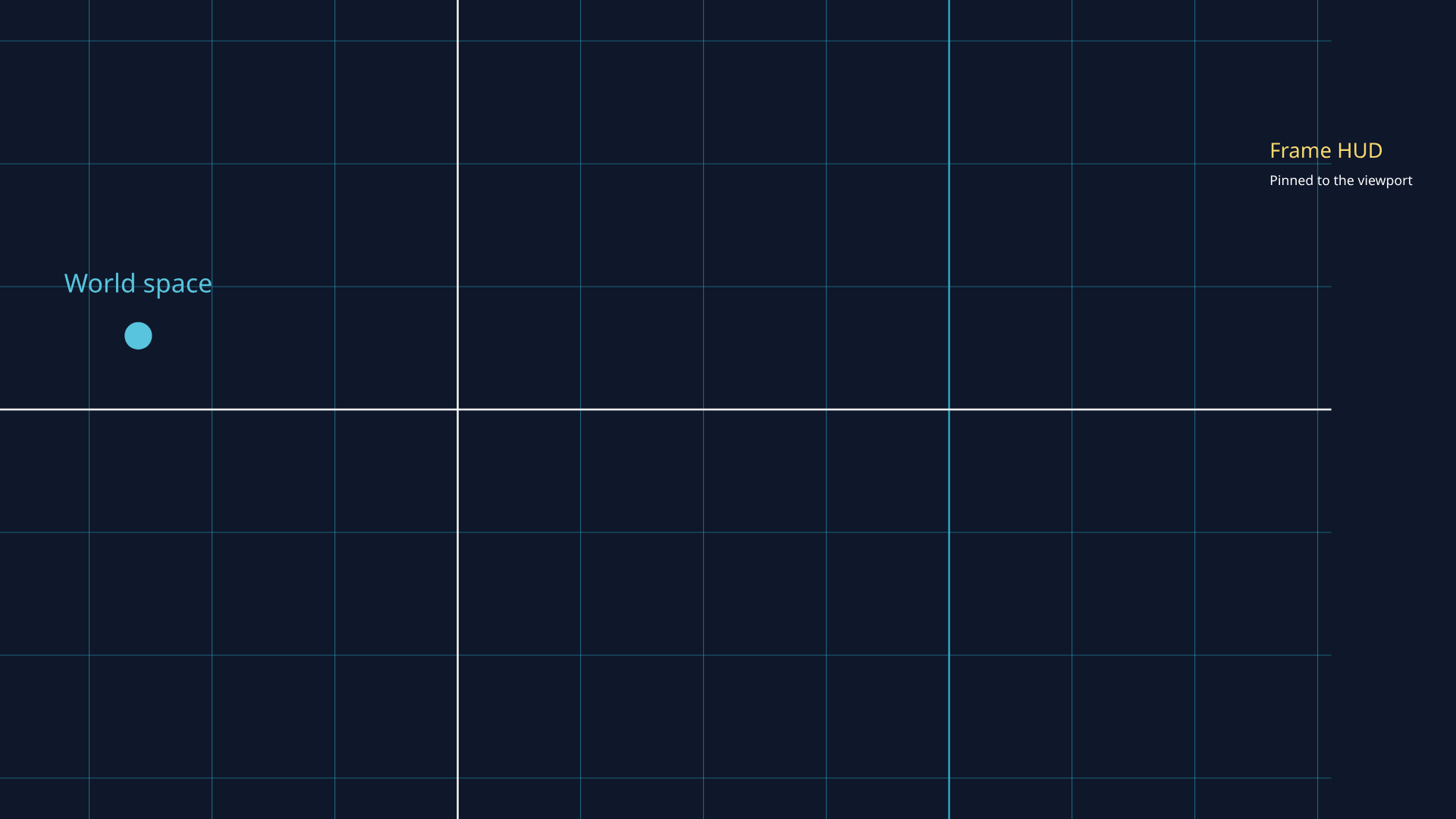
Show a world-space label and a fixed-in-frame HUD under the same 2D camera move, then remove the fixed flag so the HUD becomes a normal scene object.
from manim import * class TwoDWorldVsFrameScene(MovingCameraScene): def construct(self): plane = NumberPlane().set_stroke(color=GREY_D, width=1) marker = Dot(point=LEFT * 2.6 + UP * 0.6, color=BLUE).scale(1.4) world_label = Text("World space", font_size=24, color=BLUE).next_to(marker, UP, buff=0.18) hud_title = Text("Frame HUD", font_size=28, color=YELLOW) hud_subtitle = Text("Pinned to the viewport", font_size=18, color=WHITE) hud = VGroup(hud_title, hud_subtitle).arrange(DOWN, aligned_edge=LEFT, buff=0.08) hud.to_corner(UR, buff=0.35) self.add_fixed_in_frame_mobjects(hud) self.add(plane, marker, world_label, hud) self.play(self.camera.frame.animate.shift(RIGHT * 2.2).set(zoom=1.2), run_time=1.1) self.wait(0.2) self.remove_fixed_in_frame_mobjects(hud) self.play(hud.animate.move_to(RIGHT * 2.8 + UP * 1.4), run_time=0.55) self.play(self.camera.frame.animate.shift(LEFT * 1.4 + DOWN * 0.3).set(zoom=1.0), run_time=0.95) self.wait(0.2) scene = TwoDWorldVsFrameScene()scene.construct()