Core Objects
- - Circle, Square, Rectangle, Line, Arrow, Dot, Polygon, RegularPolygon
- - Text, Tex, MathTex
- - ImageMobject, SVGMobject
- - Group and VGroup
Runnable examples for the currently supported feature set. Previews are lazy and only compile when you click Render preview, so opening this page does not trigger a flood of compile requests.
Set an initial 3D camera orientation, reveal a cube, and animate the camera to a new view.
from manim import * class SimpleCubeScene(ThreeDScene): def construct(self): self.set_camera_orientation( phi=72 * DEGREES, theta=-42 * DEGREES, distance=7.5, ) cube = Cube() self.add(cube) self.play(FadeIn(cube, scale=0.92), run_time=0.8) self.move_camera( phi=64 * DEGREES, theta=-28 * DEGREES, distance=7.1, run_time=1.6, ) self.wait(1.2) scene = SimpleCubeScene()scene.construct()
Combine a 3D object with a title that stays fixed in screen space.
from manim import * class FixedOverlayScene(ThreeDScene): def construct(self): self.set_camera_orientation(phi=68 * DEGREES, theta=-35 * DEGREES, distance=7.2) title = Text("Fixed overlay", font_size=34, color=YELLOW).to_edge(UP) subtitle = Text("HUD stays flat while the 3D camera moves", font_size=20, color=WHITE).next_to(title, DOWN, buff=0.12) self.add_fixed_in_frame_mobjects(title, subtitle) self.add(title, subtitle) axes = ThreeDAxes() cube = Cube().set_color(BLUE) cube.rotate(20 * DEGREES, axis=RIGHT) cube.rotate(25 * DEGREES, axis=UP) self.add(axes, cube) self.begin_ambient_camera_rotation(rate=0.18) self.wait(2.5) self.stop_ambient_camera_rotation() self.wait(0.3) scene = FixedOverlayScene()scene.construct()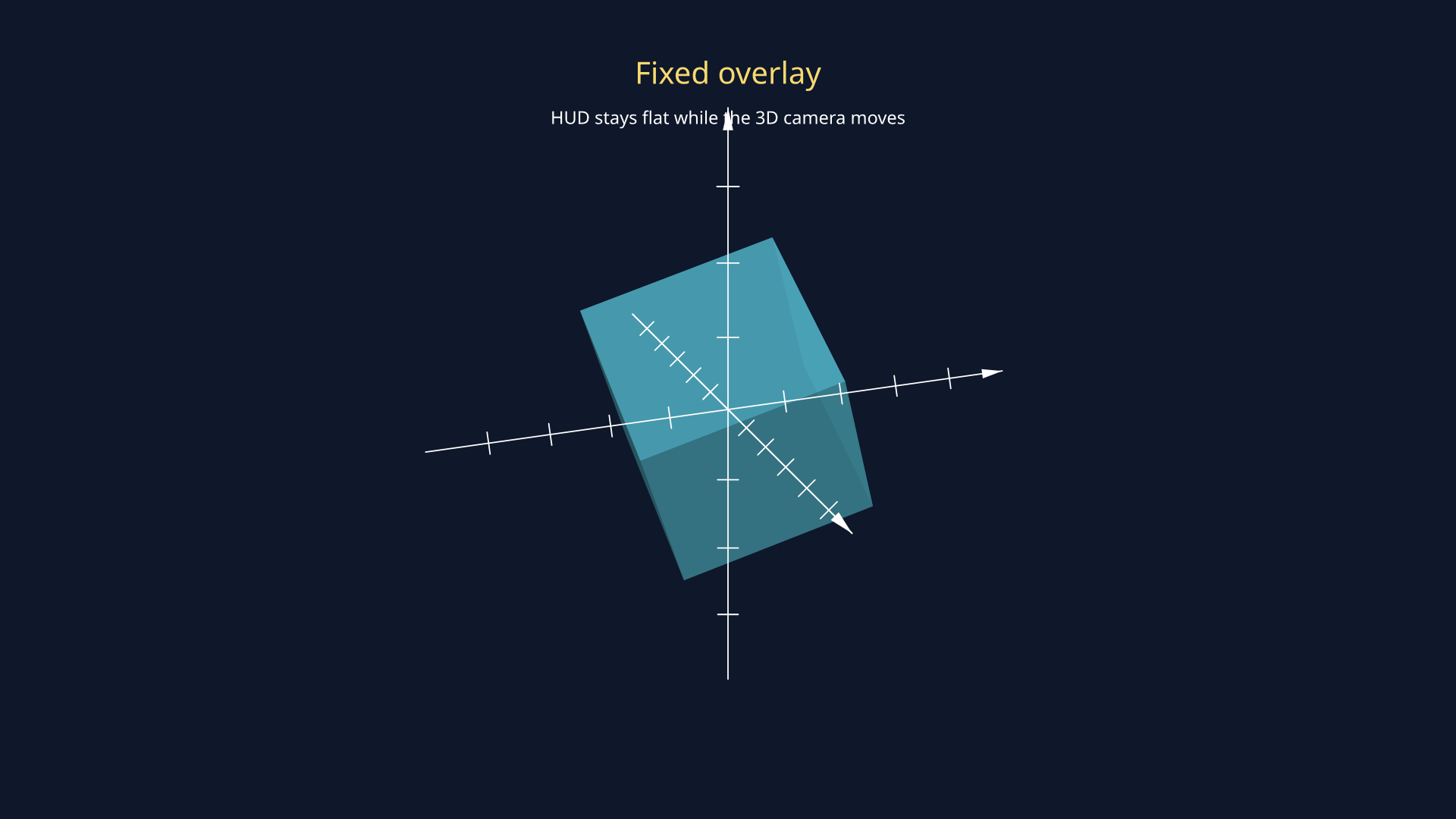
Pin a label to the frame for the intro, then remove the fixed flag so later camera motion affects it like a normal scene object.
from manim import * class FixedOverlayReleaseScene(ThreeDScene): def construct(self): self.set_camera_orientation(phi=68 * DEGREES, theta=-34 * DEGREES, distance=7.3) axes = ThreeDAxes() cube = Cube().set_color(BLUE) cube.rotate(20 * DEGREES, axis=RIGHT) cube.rotate(24 * DEGREES, axis=UP) label = Text("Pinned first", font_size=28, color=YELLOW).to_edge(UP) self.add_fixed_in_frame_mobjects(label) self.add(axes, cube) self.play(FadeIn(cube), FadeIn(label), run_time=0.7) self.move_camera(phi=62 * DEGREES, theta=-12 * DEGREES, distance=7.0, run_time=1.0) self.remove_fixed_in_frame_mobjects(label) self.wait(0.15) self.play(label.animate.move_to(RIGHT * 2.1 + UP * 1.1), run_time=0.6) self.begin_ambient_camera_rotation(rate=0.16) self.wait(1.6) self.stop_ambient_camera_rotation() self.wait(0.3) scene = FixedOverlayReleaseScene()scene.construct()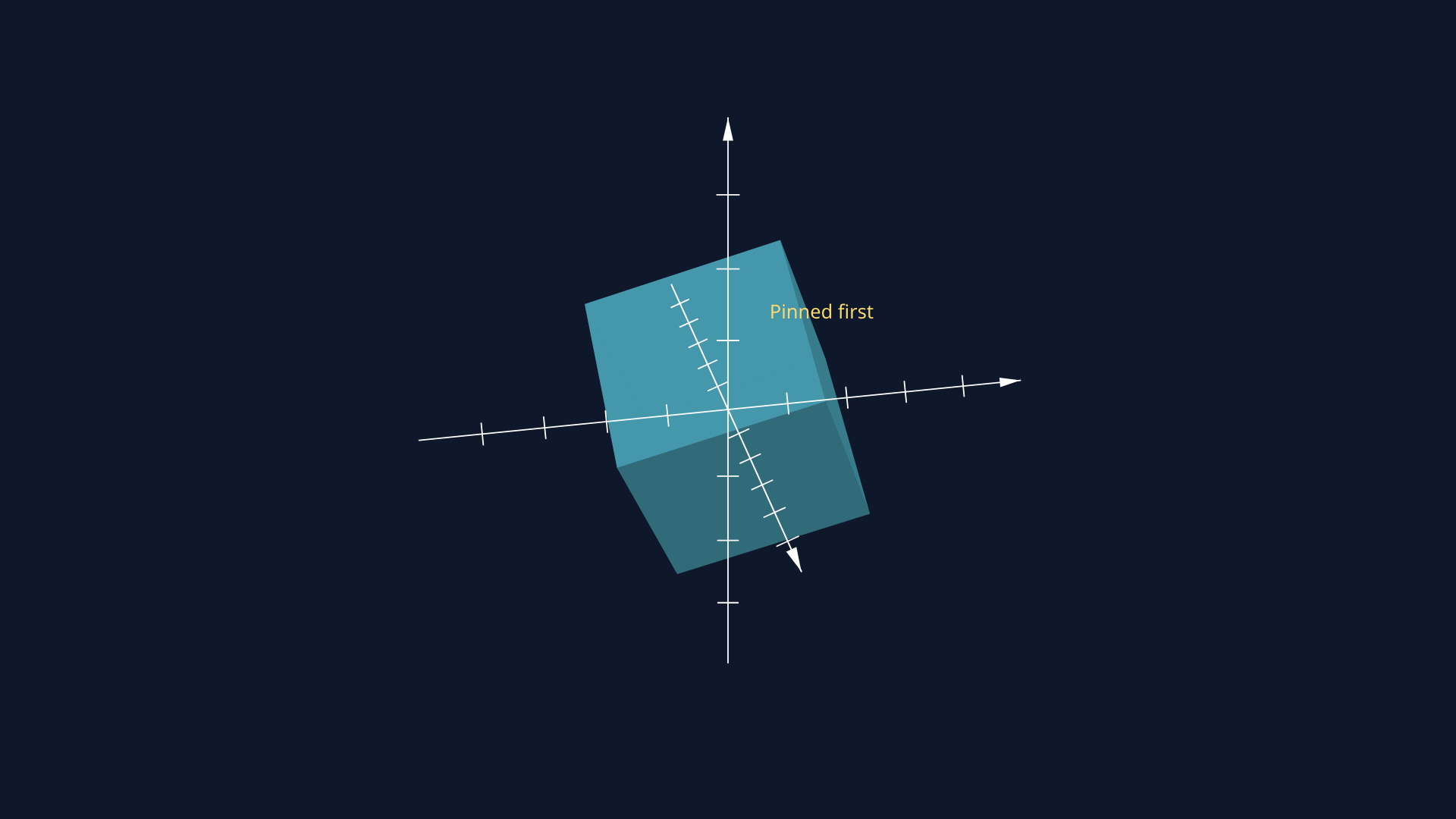
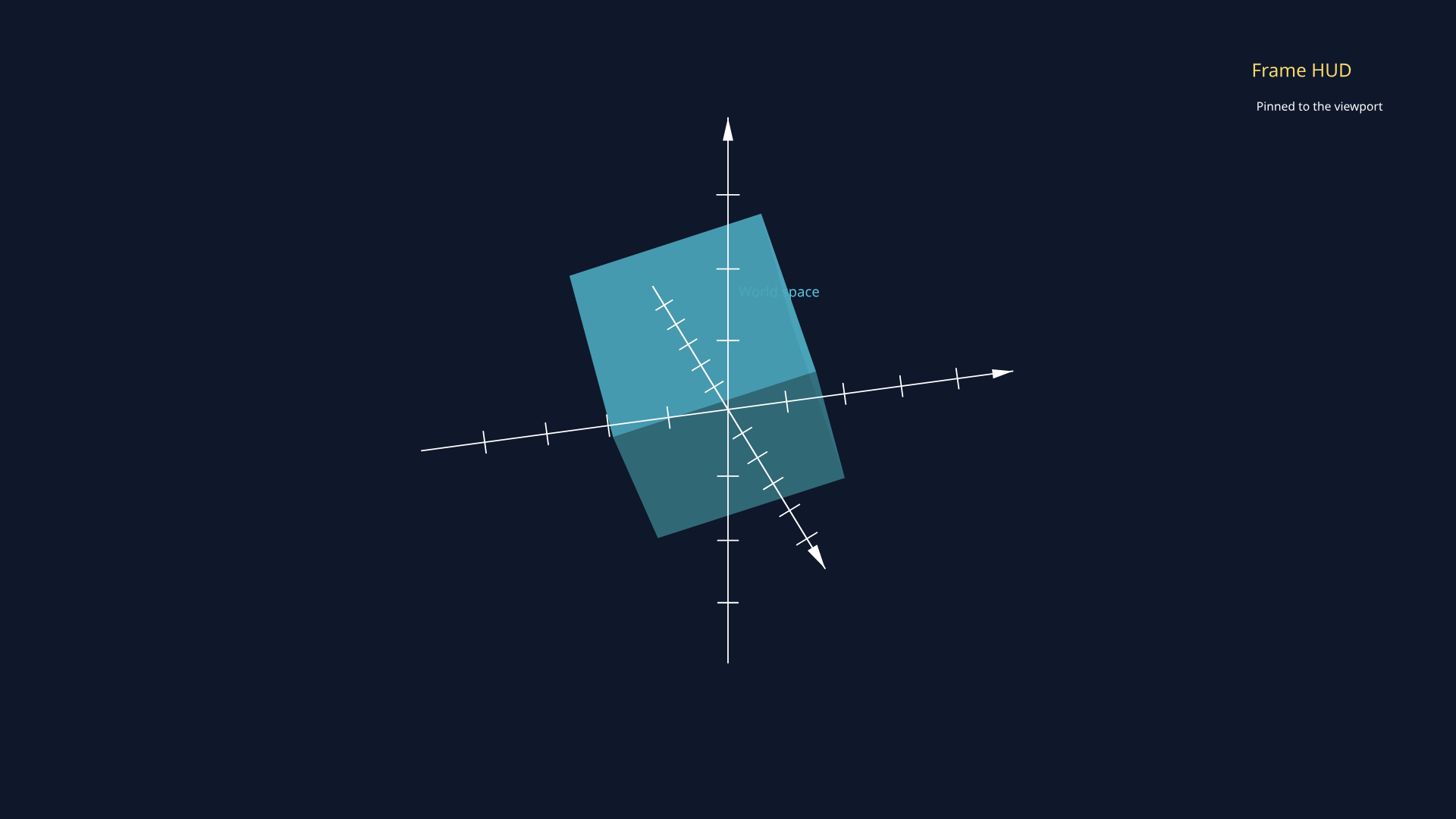
Contrast a world-space label with a fixed-in-frame HUD in a 3D scene, then remove the fixed flag so the HUD rejoins the world before more camera motion.
from manim import * class ThreeDWorldVsFrameScene(ThreeDScene): def construct(self): self.set_camera_orientation(phi=68 * DEGREES, theta=-38 * DEGREES, distance=7.4) axes = ThreeDAxes() cube = Cube().set_color(BLUE).shift(LEFT * 0.7) cube.rotate(18 * DEGREES, axis=RIGHT) cube.rotate(26 * DEGREES, axis=UP) world_label = Text("World space", font_size=24, color=BLUE).move_to(LEFT * 2.5 + UP * 1.3) hud_title = Text("Frame HUD", font_size=28, color=YELLOW) hud_subtitle = Text("Pinned to the viewport", font_size=18, color=WHITE) hud = VGroup(hud_title, hud_subtitle).arrange(DOWN, aligned_edge=LEFT, buff=0.08) hud.to_corner(UR, buff=0.35) self.add_fixed_in_frame_mobjects(hud) self.add(axes, cube, world_label, hud) self.play(FadeIn(cube), FadeIn(world_label), FadeIn(hud), run_time=0.7) self.move_camera(phi=62 * DEGREES, theta=-16 * DEGREES, distance=7.0, run_time=1.0) self.wait(0.2) self.remove_fixed_in_frame_mobjects(hud) self.play(hud.animate.move_to(RIGHT * 2.5 + UP * 1.2), run_time=0.55) self.begin_ambient_camera_rotation(rate=0.16) self.wait(1.3) self.stop_ambient_camera_rotation() self.wait(0.2) scene = ThreeDWorldVsFrameScene()scene.construct()